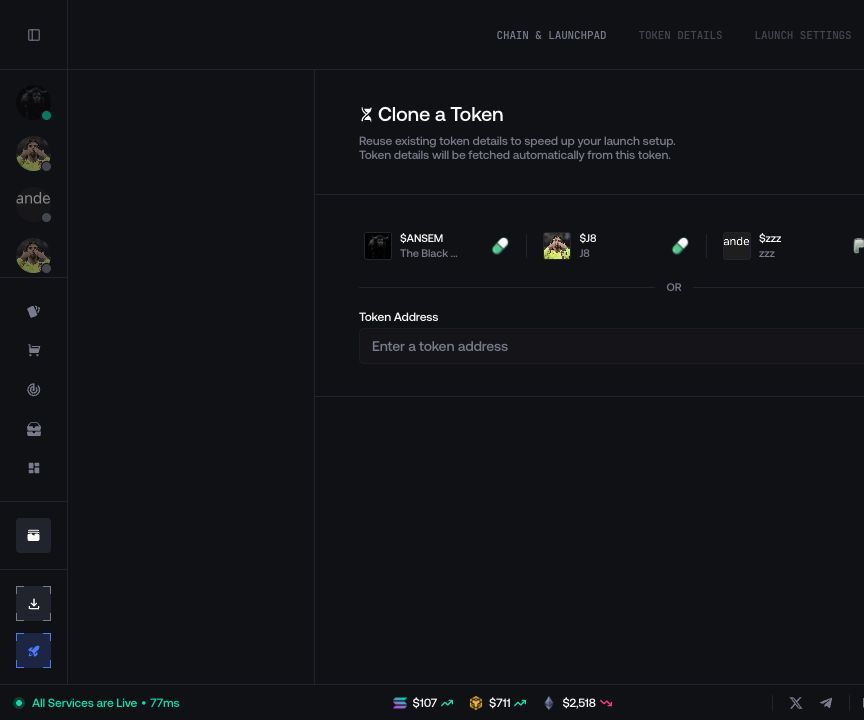
Token Metadata
Define the token name, symbol, description, image, social links, and optional metadata.
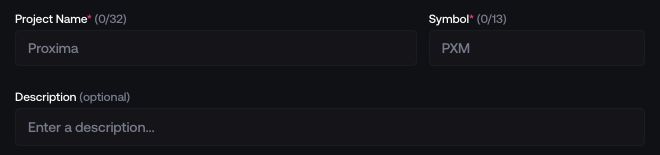
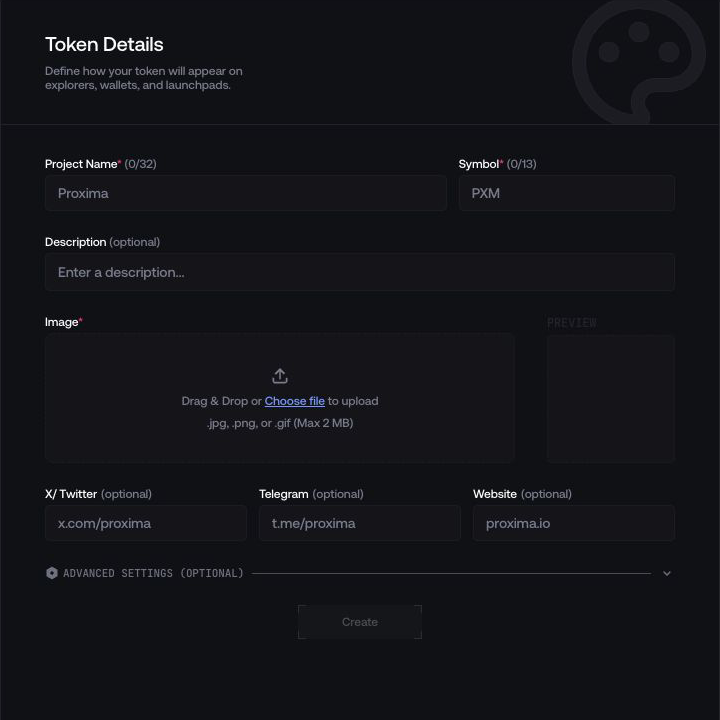
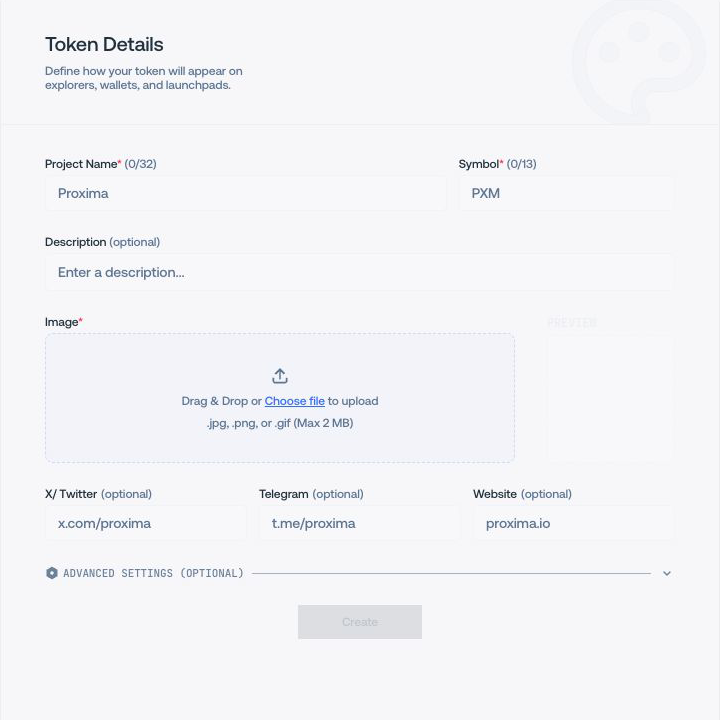
Use Token Metadata to define the public identity of a new token. Field requirements and character limits depend on the selected network and launchpad.
Enter the public identity
- Project Name is the public token name.
- Symbol is the ticker without relying on a symbol to prove identity.
- Description is required unless the current integration marks it optional.
Stay within the individual and combined character counters shown by Proxima.
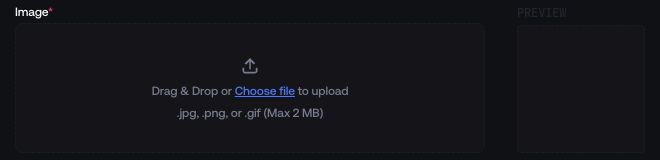
Upload and review the image
Choose a PNG, JPG, JPEG, or GIF, adjust the crop when prompted, and check the generated preview. Proxima requires a usable image before creating the draft.

Add optional social links
Add the project’s X, Telegram, and website URLs. Open each URL independently before saving so the published metadata does not direct users to the wrong destination.


Custom Token Address (optional)
Custom Token Address is available only on compatible integrations. The field accepts the token-mint private key and derives the token address shown below it.


Create the draft
Select Create. Proxima saves the metadata and opens Launch Settings for the new draft.
Complete launchpad-specific settings
The selected launchpad can add fields below the shared metadata. Proxima shows only the configuration supported by the active route.
PumpFun and Ansem
- Ansem launch options can select an eligible tier and its displayed airdrop-buy amount. Locked Ansem launches cannot be converted into a normal PumpFun launch.
- Creator fee shares assign supported reward shares before deployment. They are not available on Ansem launches.
- Mayhem Mode enables Pump.fun’s supported 24-hour trading bot.
- Trader Cashback directs creator rewards to traders after launch. Proxima marks this decision as permanent.
- Off-Chain Create uses a separate random public key as the on-chain creator while the developer wallet still signs and pays.
Bags and fee destinations
When Share Fees is enabled, review every fee earner and percentage before creating the draft. The complete allocation must satisfy the limits shown by Bags.
For launchpads that expose creator or developer fee shares, verify whether each destination is a wallet, trader reward, or platform-specific earner. These settings control future fee distribution, not the initial token allocation.
Four.meme engine and tax settings
Choose Classic or Open Four before the engine becomes locked. Open Four uses the Royalty template and displays its on-chain royalty parameters. Classic can expose the supported tax configuration.
Route-specific parameters
Uniswap V2/V3, Hood.fun, Pons, REAL, flap.sh, Meteora DAMM, and StonkFun can expose their own launch parameters. Read the current field labels and limits in Proxima; options can include pool configuration, version, quote asset, migration fees, or route-specific curve settings.
Changing the network or launchpad rebuilds the available fields. Review the complete form again after changing either selection.
Correct the metadata before funding
In Launch Settings, confirm the token name, symbol, image, network, launchpad, and derived address when one was supplied.
If the draft contains the wrong metadata, stop before funding and return to Token Metadata. If the wrong mint key was used, do not deploy that draft; create a corrected launch plan instead.
Update metadata after creation
Open the token information panel for the intended launch and select its edit action. In Update Metadata, change only the fields supported by that token and launchpad, then review the current image, links, and launch settings before submitting.
After the update completes, refresh the token information and verify the new public metadata on the relevant explorer or launchpad. An update can change published metadata; it cannot replace the deployed mint address.