Review Before Funding
Run the final compatibility, wallet, capital, and safeguard checks before assets leave the funder.
Funding is the boundary between configuration and execution. Complete this review after launch settings are final and before distributing assets to launch wallets.
Confirm the launch route
- The selected network and launchpad match the intended deployment.
- The token is the correct new, cloned, or imported token.
- Public metadata, token address, base asset, and launch variant are correct.
- The selected launch mode is available for this launchpad and matches the intended execution pattern.
Return to Blockchain & launchpads if compatibility is uncertain.


Confirm wallets and capital
- The intended funder is active and uses the correct network.
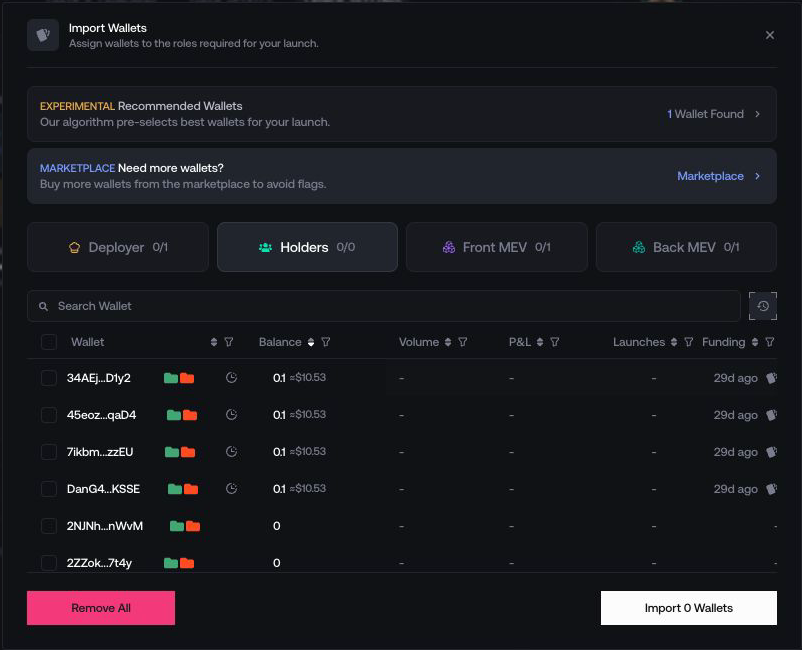
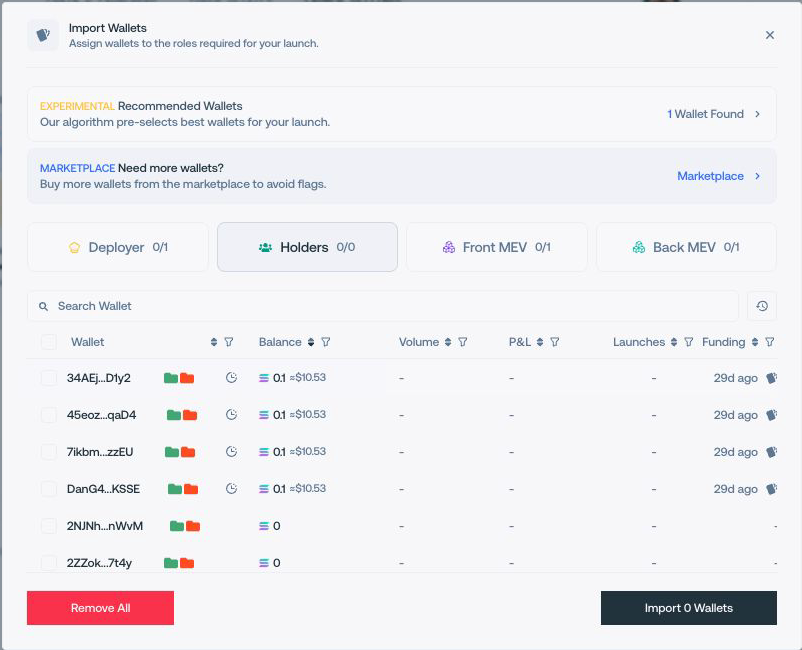
- Deployer, developer, holder, trading, and temporary wallets have the expected roles.
- Wallet order and per-wallet allocations are correct.
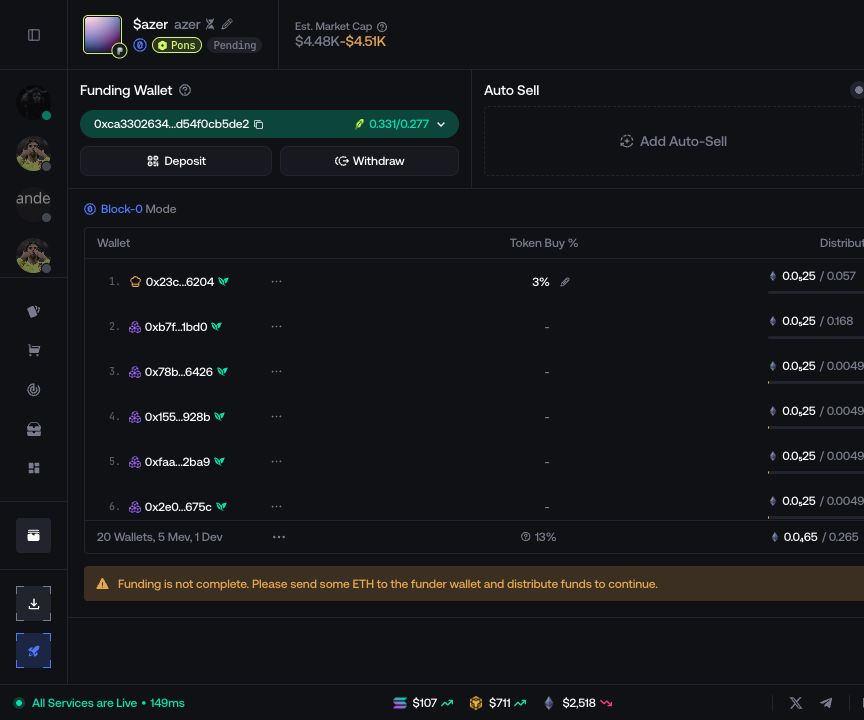
- The displayed required amount includes enough capital for execution and the required network costs.
- No unrelated wallet or launch is included in the selection.
Confirm execution behavior
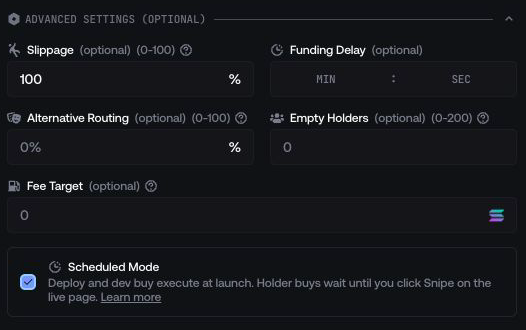
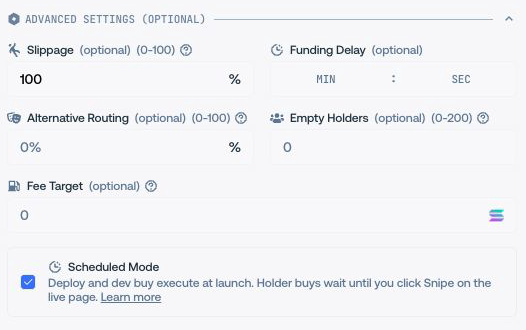
- Launch mode, execution cadence, stagger delay, slippage, routing, and scheduled start match the plan.
- MultiLaunch or Block-0 options are reviewed when enabled.
- Sniper Guard and any launch-linked Auto-Sell behavior are configured as intended.
- CEX Funding uses Husher as its fixed provider, so there is no provider selector. When enabled, review the selected CEX source, current minimums, and fees.
Read the final preview
Before confirming distribution, verify:
- source funder;
- destination wallets;
- asset and total amount;
- network, provider, and service costs;
- expected balances after distribution.
Stop conditions
Do not fund if:
- the required total changed unexpectedly;
- a wallet, recipient, network, or launchpad is unfamiliar;
- a quote expired or a provider minimum is not met;
- a previous distribution is still pending;
- the current client does not show the expected mode or safeguard.
If a check fails
| Problem | Return to |
|---|---|
| Wrong network, launchpad, quote asset, or token | Choose Network & Launchpad or the relevant clone/import flow |
| Wrong metadata or mint key | Token Details |
| Wrong mode, wallet role, delay, or advanced option | Launch Settings |
| Wrong Block-0 layer or estimate | Block-0 Configuration |
| Wrong funder, allocation, wallet order, or distribution method | Fund the launch |
After any correction, repeat the complete review. A changed setting can rebuild wallet assignments or funding requirements elsewhere in the plan.
Next step
Continue to Fund the launch. After distribution, confirm wallet balances and the activity status before launching or repeating any action.