
Auto Buy / Auto Sell
Configure automated buys and sells with shared strategy settings, session limits, and controls in the Live Workspace.
Open AutoBuy or AutoSell in the right-hand panel of a live launch, then select Configure.
Type
Choose how your automated trades are triggered. You can combine modes with Add Strategy.
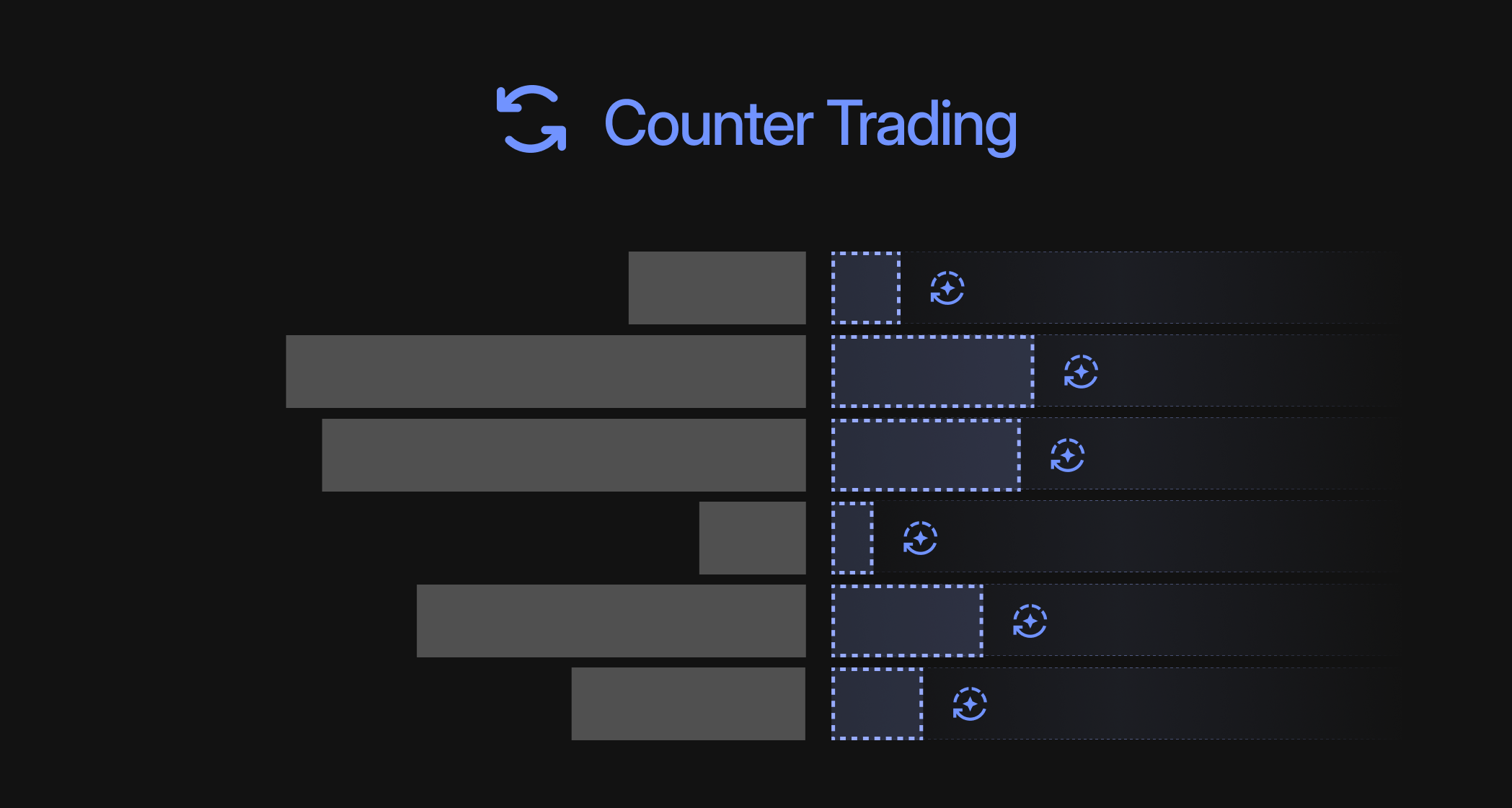
Counter Trading trades in the opposite direction to observed trades: AutoBuy buys after sells; AutoSell sells after buys.
Trigger Condition
Rate (%) sets response probability. Min. quote asset and Min. Token set the minimum observed trade.
40% chance per tradeRate 40%Trade 1 1Accepted 1Replication Factor
Your trade size relative to the observed trade.
AutoBuy · 20%Replication 20%Sell 1Buy 0.2Minimum per trade (optional)
Amount to accumulate before trading, separate from the trigger filter.
Min. 0.1Accumulated 0.1 / 0.1Trade +0.025Buy 0.1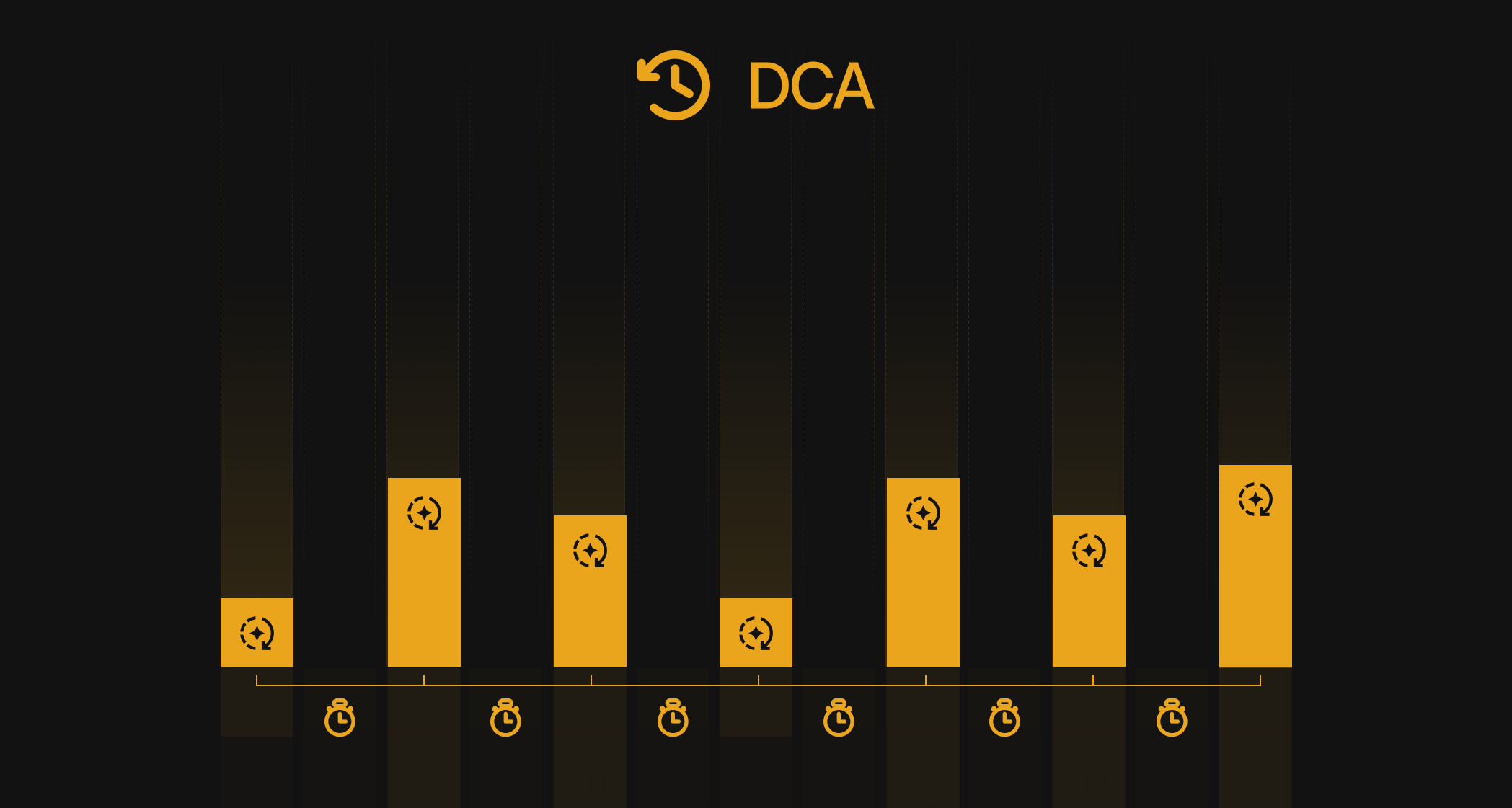
DCA spreads your buys or sells over time by placing a trade at a fixed interval.
- Fixed Amount: use the same amount for every trade.
- Randomized: vary the amount between Min Amount and Max Amount.
- Interval: set the time between trades, up to 24 hours. Only amounts are randomized; the interval stays fixed.
AutoBuy · DCA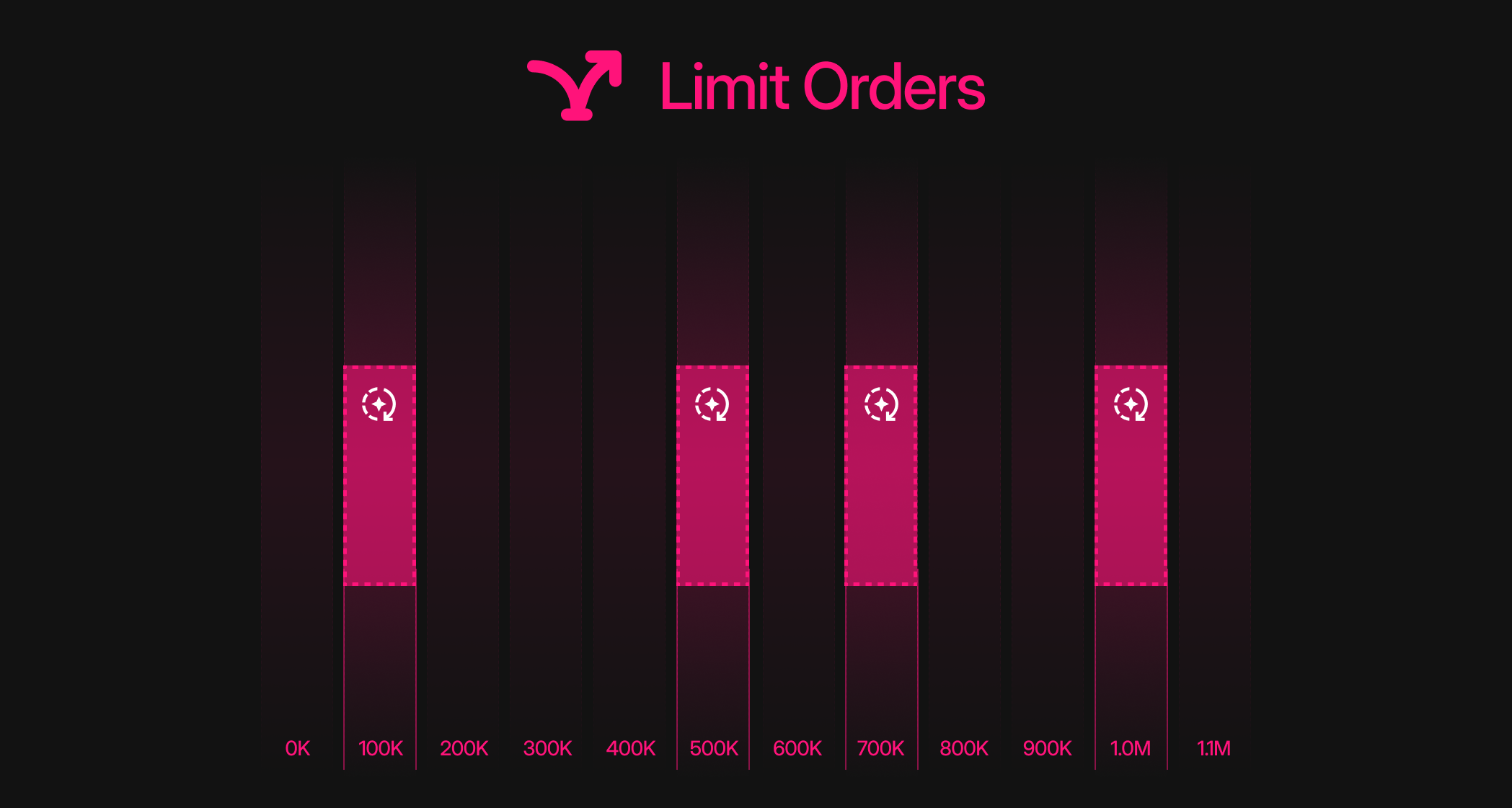
Limit Orders schedules buys or sells at the market-cap levels you choose. Set an amount and a Market Cap (USD) target for each order.
AutoBuy: amount + USD market-cap target per row, with each target lower than the previous one.
AutoSell: token amount + USD market-cap target per row, with each target higher than the previous one.
AutoSell · Limit OrdersMarket Cap Range (optional)
Set AutoSell market-cap ranges Lets you choose the market-cap range in which the strategy can buy or sell.
Market Cap Range$60KIn-RangeEnd Conditions (optional)
Cap the amount, duration or both. The first limit reached stops this strategy.
First limit reachedAdvanced Options
Whitelist (optional)
Ignore trades from these addresses in Counter Trading. Launch-plan wallets are included by default.
Choose Wallets (optional)
Choose which wallets the session uses to buy or sell.
Start Delay (optional)
Set how long to wait before the session starts trading.
Slippage (optional)
Maximum price slippage allowed per trade. If left empty: 5% for Auto-Buy, no price protection for Auto-Sell.
Monitor / Edit
PausePause in one click. Resume when ready.
EditEdit without starting over.
EndStop the session.


