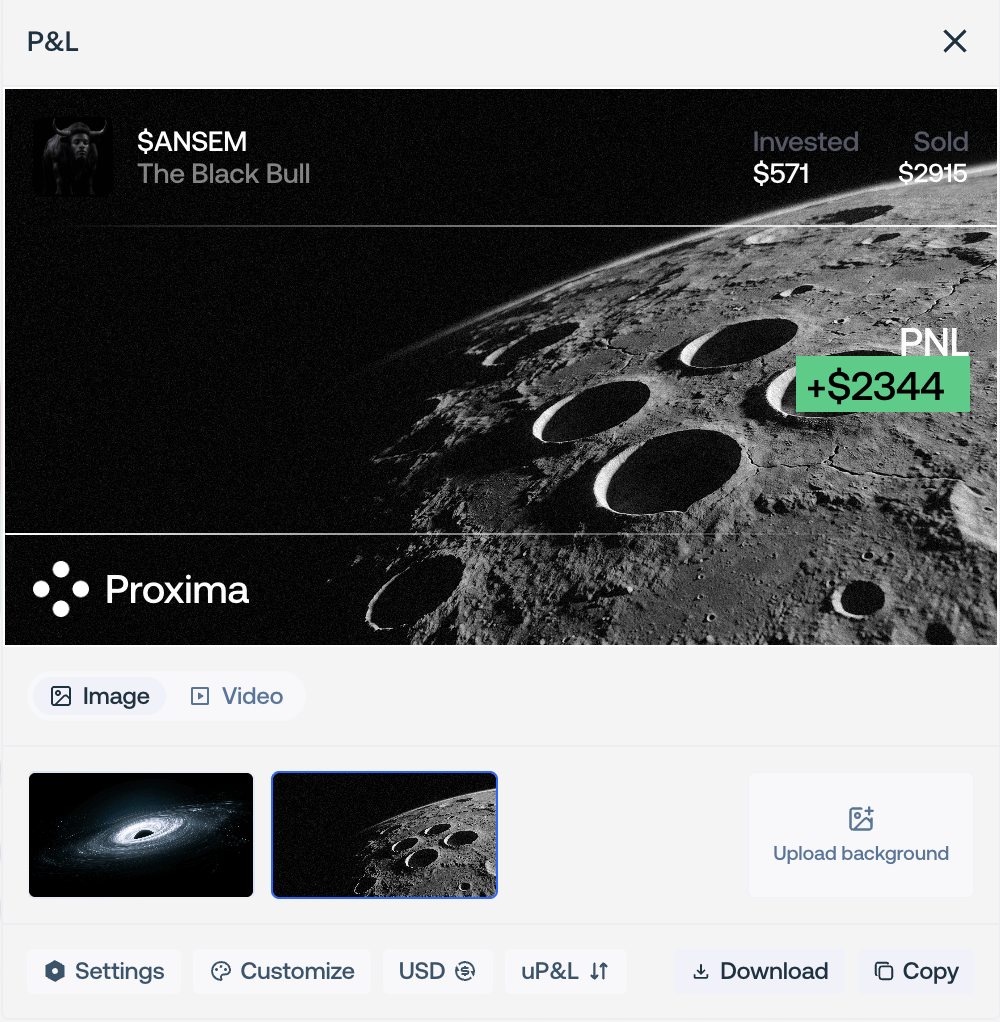
Create P&L Cards
Turn a dashboard period or live launch into a performance card, then export it as a shareable image or video.
P&L cards present existing performance data without changing the account or submitting transactions.
Open the card editor
Dashboard: select a period in P&L Calendar, then Share P&L Card. Live Workspace: open the launch’s P&L card action.
Create and export a P&L card Choose the background
Choose Image or Video, then select a background or upload your own. A video can be trimmed and muted before export.
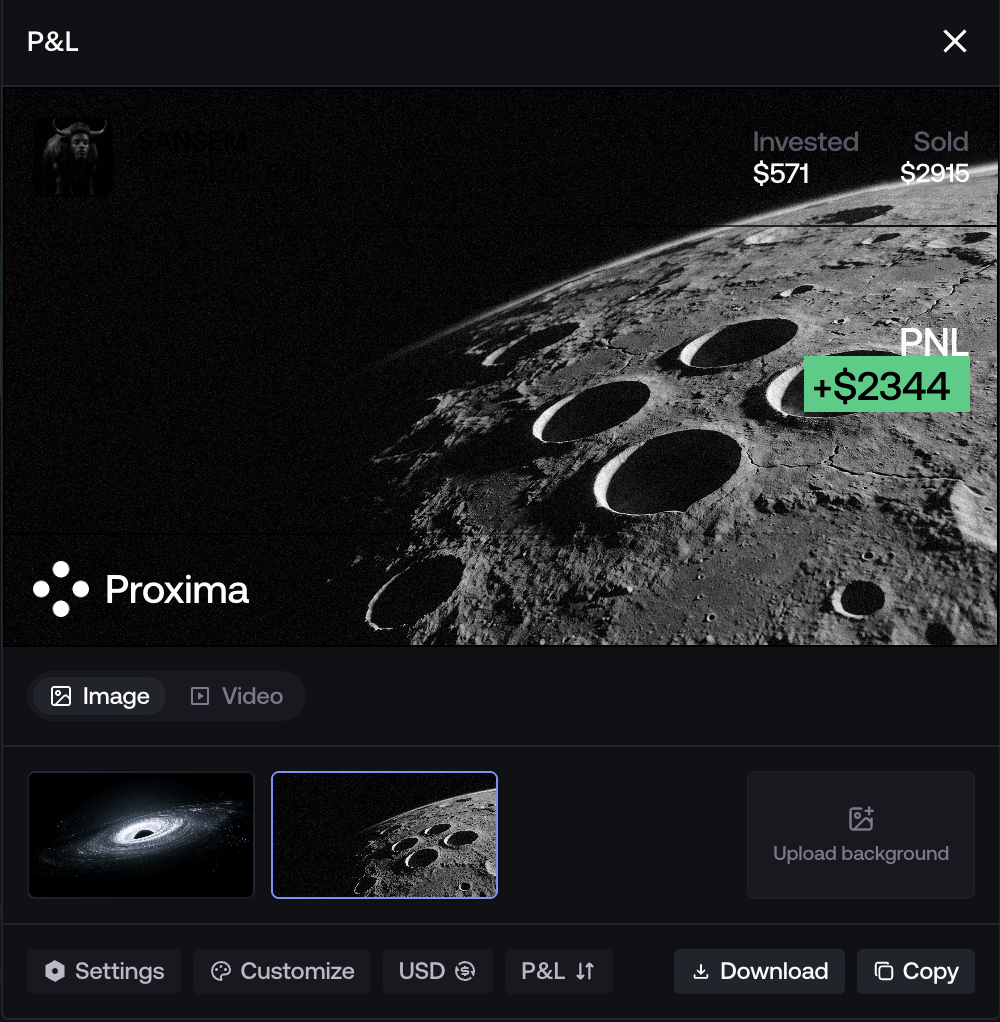
Customize the card
Settings / Customize: add a username, choose a light or dark theme, then adjust currency, colors, chart lines and visible details. Live-launch cards can switch realized / unrealized P&L. Text contrast adapts automatically to the selected image or video.
Export the card
Image: Copy or Download. Video: click Download, then wait for rendering to finish.