Live Workspace
Read your live launch data, manage its wallets, and move between manual trades and automated execution tools.
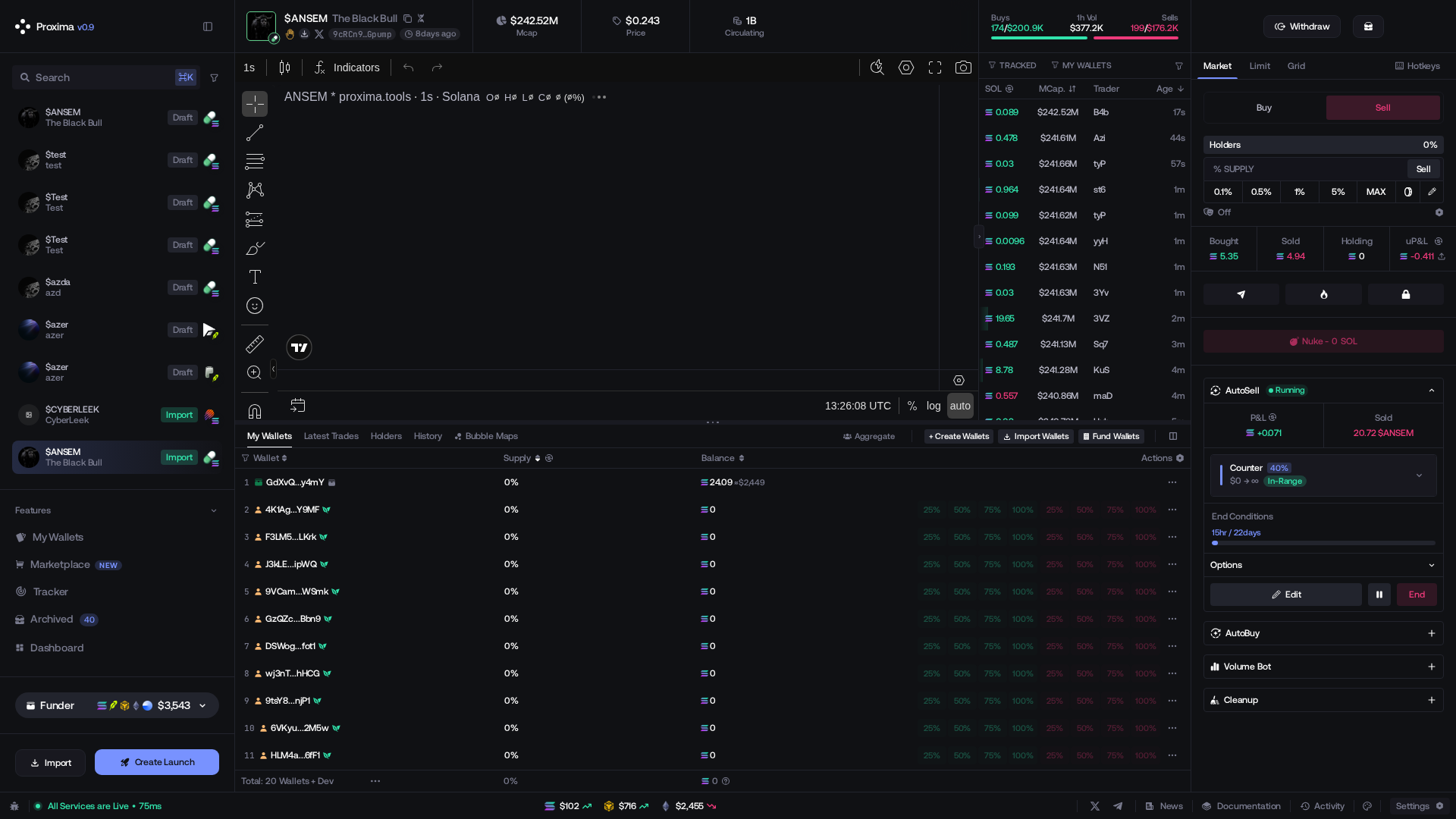
Monitor the token, wallets, trades and automations in one screen.
Launch controls
Header: token, network, contract, market metrics, status and launch actions.
- Collaborate in the header opens shared access and permission management. See Collaborate on a Launch.
- Instant Trade opens the floating folder-and-wallet trading panel. See Instant Trade Panel.
- In chart settings,
 Pumpfun Callout and Fomo Thesis independently show or hide Fomoscan marks. Hover a mark for its author, text, time, and available performance metrics; its external action opens the original callout.

Chart controls
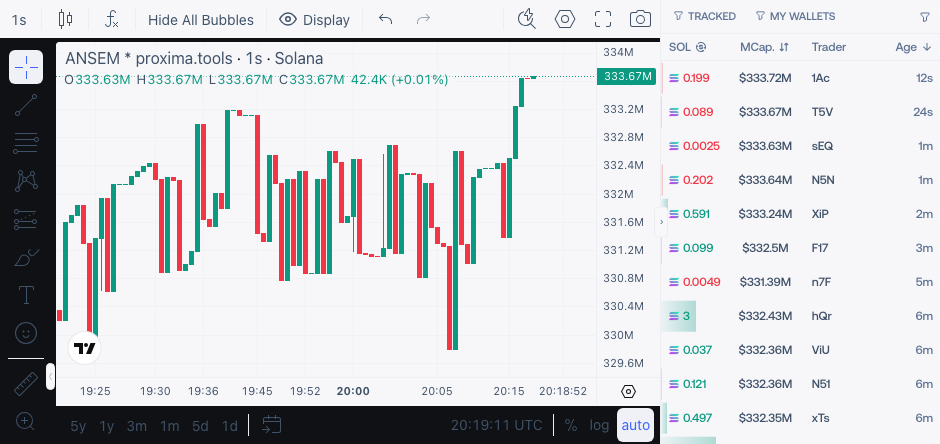
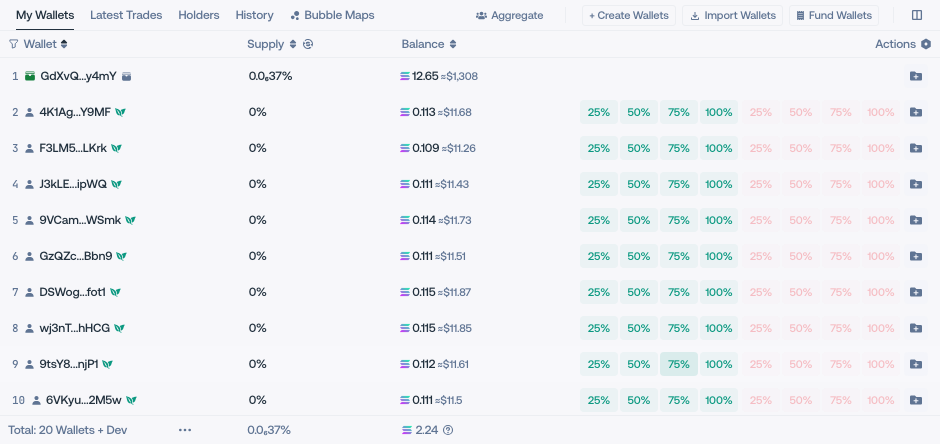
Chart: market view, wallet markers, tracked wallets, automation bubbles, market-cap ranges and pending limits, when available.
Wallet controls
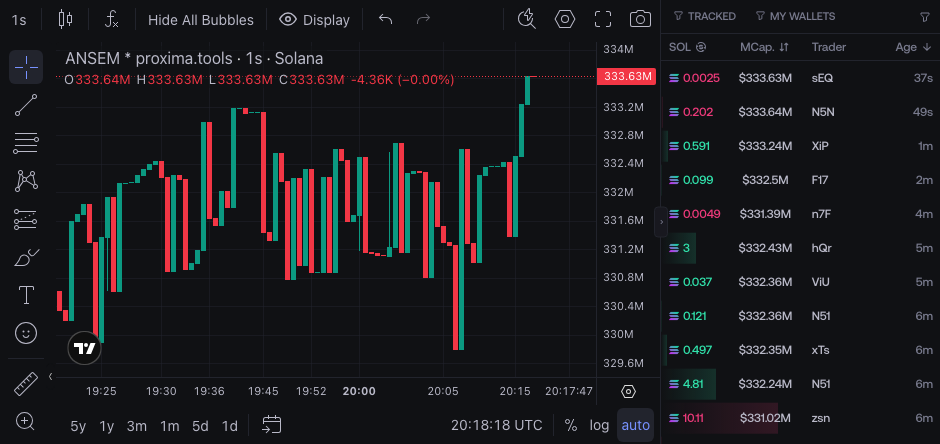
Balances and activity: My Wallets, Latest Trades, Holders, History or Bubble Maps, depending on the launch.
Active runs mark the wallets used by Auto-Buy, Auto-Sell, Volume Bot and Cleanup. In Latest Trades, filter by launch wallets, trader address, KOLs or trade origin. Holders Distribution separates Dev, Me, Pool and Outsiders, and also shows Top 10 Holders.
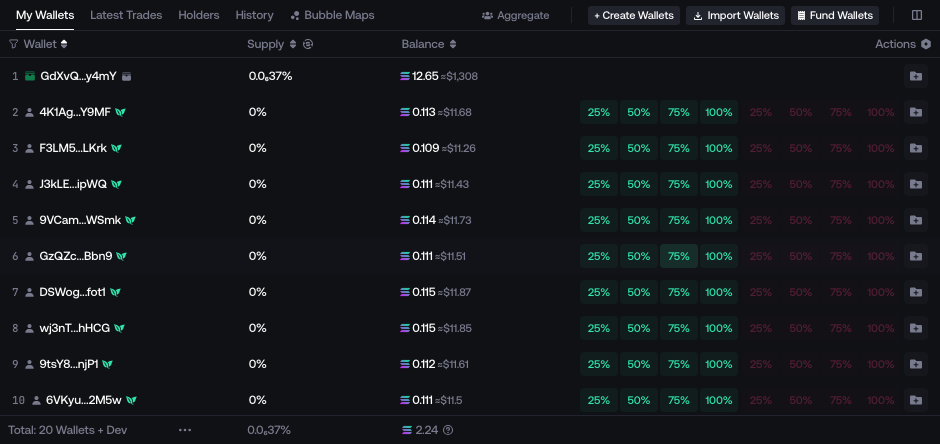
My Wallets actions:
-
+ Create Wallets adds newly generated wallets to the launch. To create reusable account wallets separately, see Create Wallets.
-
Import Wallets adds selected account wallets that are not already part of the launch.
-
Fund Wallets opens Live funding: wallet selection, form, history, and confirmation.
Defaults exclude DEV, MEV, and temporary holders. Check the source and targets; this is separate from initial launch Funding.
See Fund Wallets for funding methods and task controls.
-
Aggregate appears when the launch has more than one holder wallet. It groups holder rows for display; it does not consolidate funds on-chain.
-
Execution controls
Snipe appears for a Staged launch and starts its planned holder buys. It is separate from manual Buy / Sell orders. See Launch Settings.
Right panel: manual trades, transfers, token actions and automations.
- A custom-quote launch can expose Swap Quote Assets and a quote withdrawal selector.
- An eligible
 flap.sh launch can expose Creator Rewards & Fees.
 - A non-imported
 Printr launch can expose Creator Rewards & Fees.
  stonks.fun can expose Collect Fees and its locked-pool Nuke path.
Controls depend on network, launchpad, token state and retained permissions.