Configure MultiLaunch
Prepare several Pons V1 Block-0 launches from one configuration.
MultiLaunch creates several candidate launches from one configuration, keeps one winner, then automatically nukes the other candidates and withdraws their remaining funds to the funder.
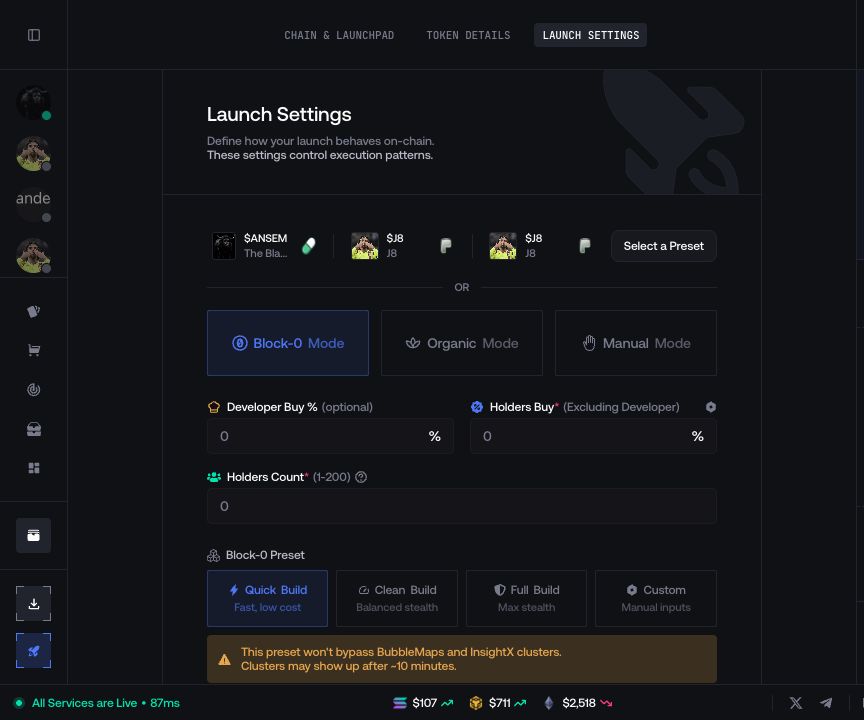
MultiLaunch is only available for  Pons V1 in Block-0 mode. It is not available for Pons V2. The Number of Launches field appears only when the active configuration supports it.
Select Pons V1 and Block-0
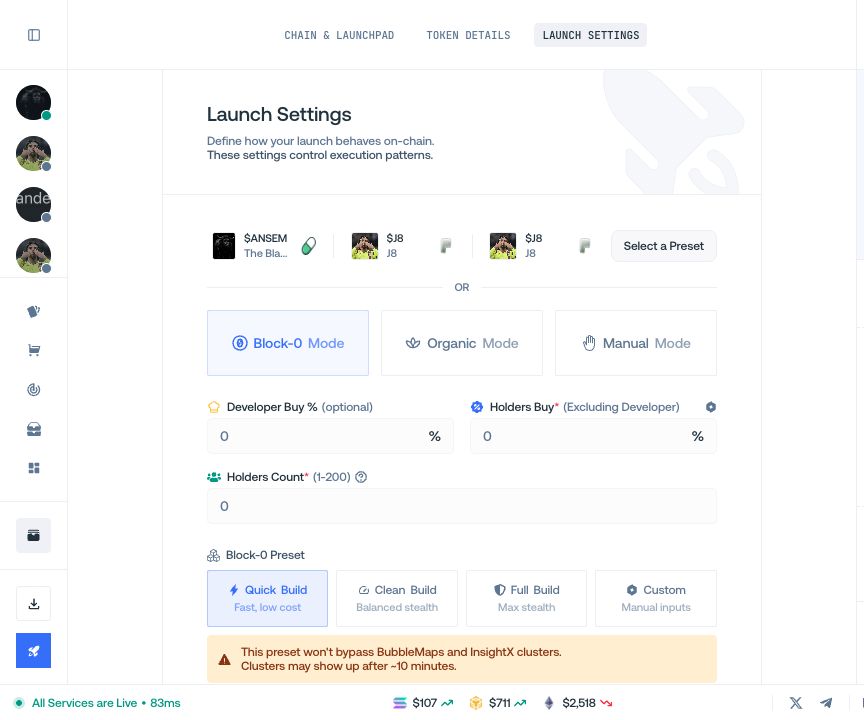
Create or clone a Pons V1 launch, then select Block-0 in Launch Settings.
Choose the launch count
Set Number of Launches within the range displayed by Proxima. A count of one remains a normal single launch.
Configure wallets and capital
Assign the developer and execution wallets generated for the candidates, then review the total funding requirement for the selected count.
Create the plan
Return to Launch Settings and select Create launch plan.