
Liquidity pools
Configurez la liquidité initiale d’un launch  Uniswap, puis gérez sa position dans le pool depuis le Live Workspace.
Les liquidity pools interviennent à trois moments d’un launch Proxima : la configuration, la création de la pool et sa gestion après le launch.
-
 Arc
Arc
 Uniswap V4
-
 Ethereum
Uniswap V2
Ethereum
Uniswap V2
-
 Robinhood
Uniswap V2
Uniswap V3
Robinhood
Uniswap V2
Uniswap V3
Ethereum et Robinhood utilisent l’ETH ; Arc utilise l’USDC natif. Vérifiez les actifs indiqués dans le panneau Liquidity Pool de votre launch.
Ouvrir Liquidity Pool
Ouvrez le launch dans le Live Workspace, puis sélectionnez Liquidity Pool dans la rangée d’actions compactes. Cette action est masquée pour les tokens importés.
Vérifier votre position LP
Le panneau affiche Total Liquidity, LP Share et les actifs Redeemable.
Il peut aussi indiquer que la paire n’est pas encore créée ou que le lancement ne détient plus de tokens LP.
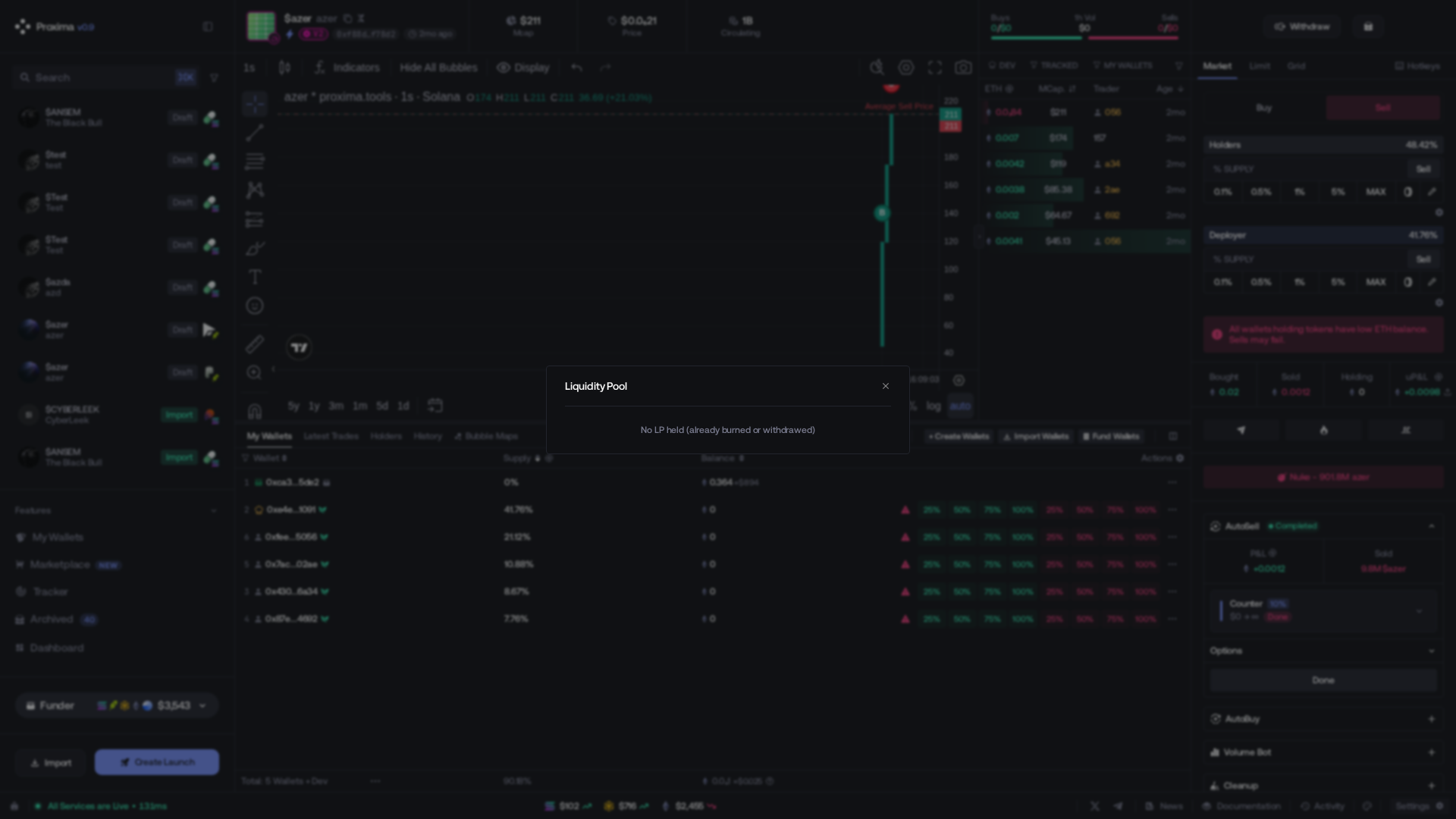
Choisir et confirmer
- Burn LP envoie définitivement tous les LP tokens détenus par le lancement à l’adresse de burn. Leur liquidité sous-jacente ne peut ensuite plus être récupérée.
- Remove Liquidity échange toute la part LP affichée contre l’actif natif et le token, ce qui réduit la liquidité disponible dans la pool.
Vérifiez la part LP et les actifs affichés, puis cochez l’acceptation des risques. Le bouton de confirmation reste désactivé jusque-là.

Avant le launch
Pour Uniswap V2 et V3, réglez Initial Liquidity dans les Créer un nouveau launch.
C’est l’ETH associé au token à la création de la pool. Valeur par défaut : 1 ETH.
Pour Uniswap V3, choisissez également le Pool Fee Tier. Ce réglage détermine le niveau de frais de swap de la nouvelle pool V3.
Au moment du launch
À la création de la pool, Proxima associe la liquidité configurée à la supply du token.
Utilisez la Funding Estimation complète dans Funding. Initial Liquidity est uniquement l’allocation de la pool, pas le financement total du lancement.