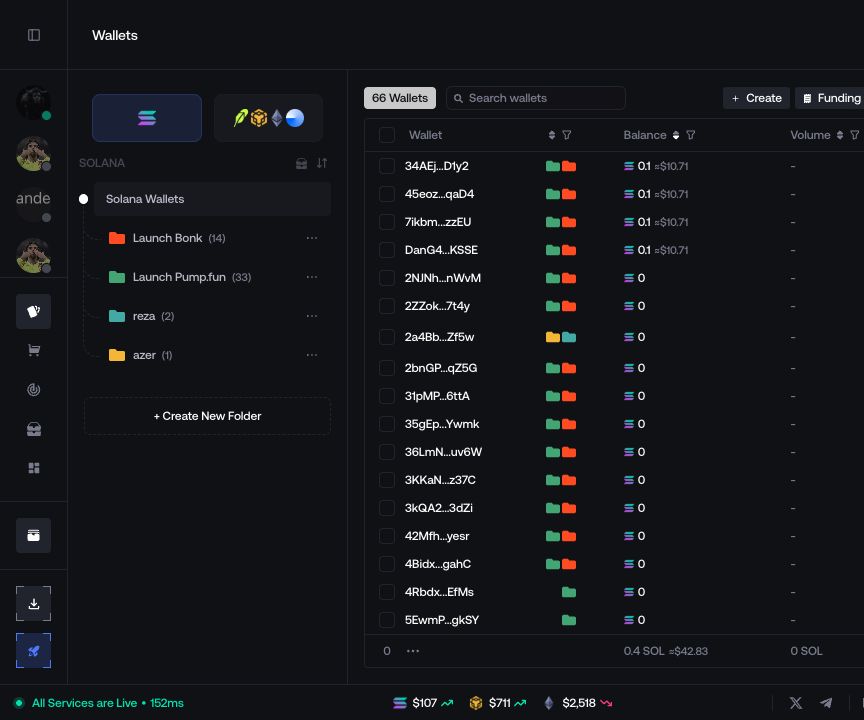
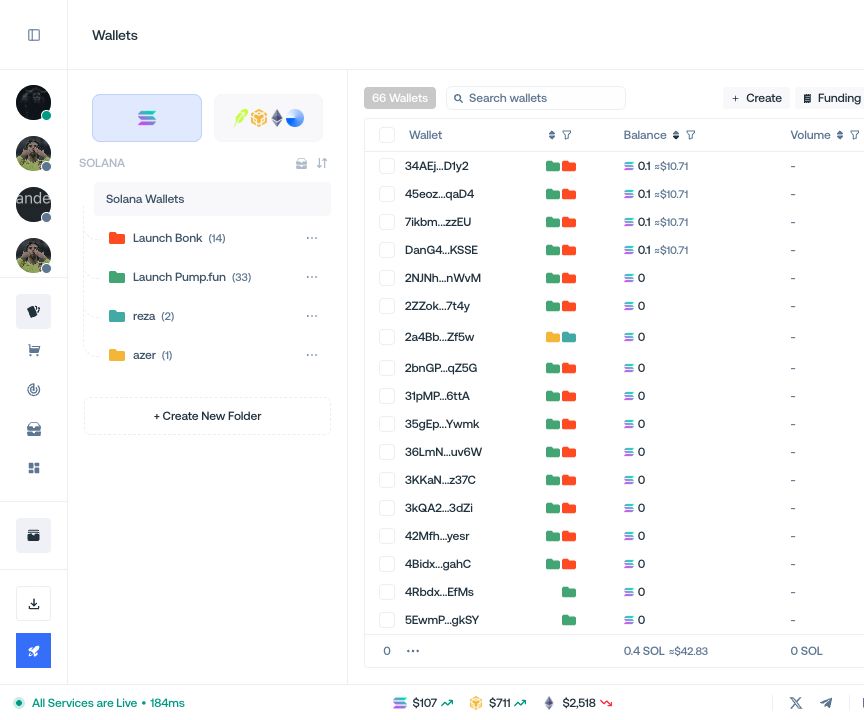
My Wallets
Crie, organize e financie wallets e gere a respetiva atividade.
Crie wallets e organize-as em pastas no My Wallets.
Criar wallets
Abra o My Wallets e selecione a rede.
Selecione + Create e depois Create New.
Indique o Number of Wallets e selecione Create.
Adicione as novas wallets a uma ou mais pastas ou selecione Skip.
Organizar pastas
Selecione + Create New Folder, introduza um nome, escolha uma cor e confirme.
Selecione as wallets na tabela.
Abra Manage.
Marque as pastas para adicionar as wallets ou desmarque-as para as retirar.
O menu da pasta permite selecionar Edit Folder, Archive Folder ou Delete Folder.
Financiar wallets
Selecione as wallets e abra Funding.
Escolha Classic Funding ou CEX Funding.
Defina um montante fixo ou um intervalo e, se necessário, um Funding Delay.
Reveja a origem, os destinos e os montantes e selecione Start Funding.
Gerar atividade
Selecione wallets compatíveis e escolha Generate Activity.
Defina um montante fixo ou um intervalo.
Defina o Loop Count e o atraso.
Ative Alternative Routing se necessário, reveja a operação e selecione Start.